Art / Lab
domo-lab: producing for the dome without a dome
A TouchDesigner system that brings 360, 180 and flat video to the dome, and a virtual reality planetarium to preview it before booking the theater
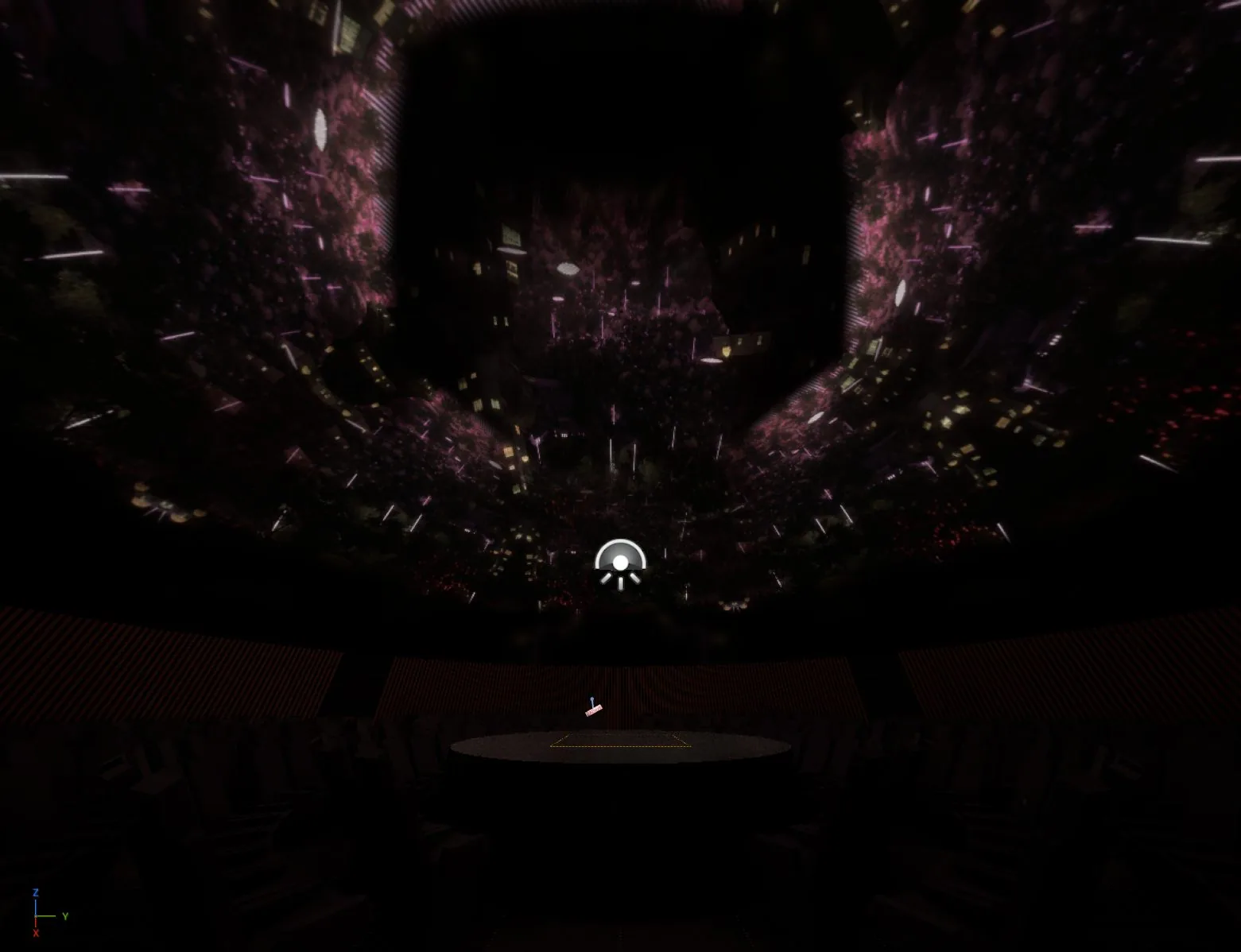
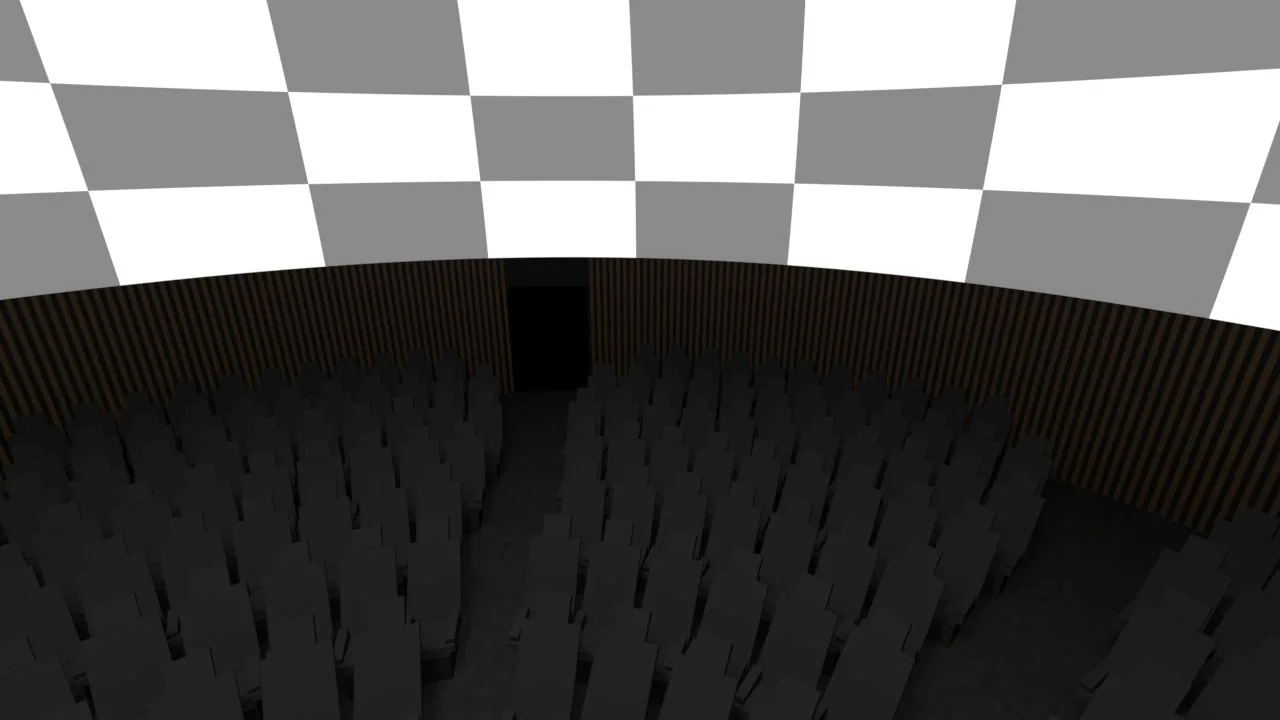
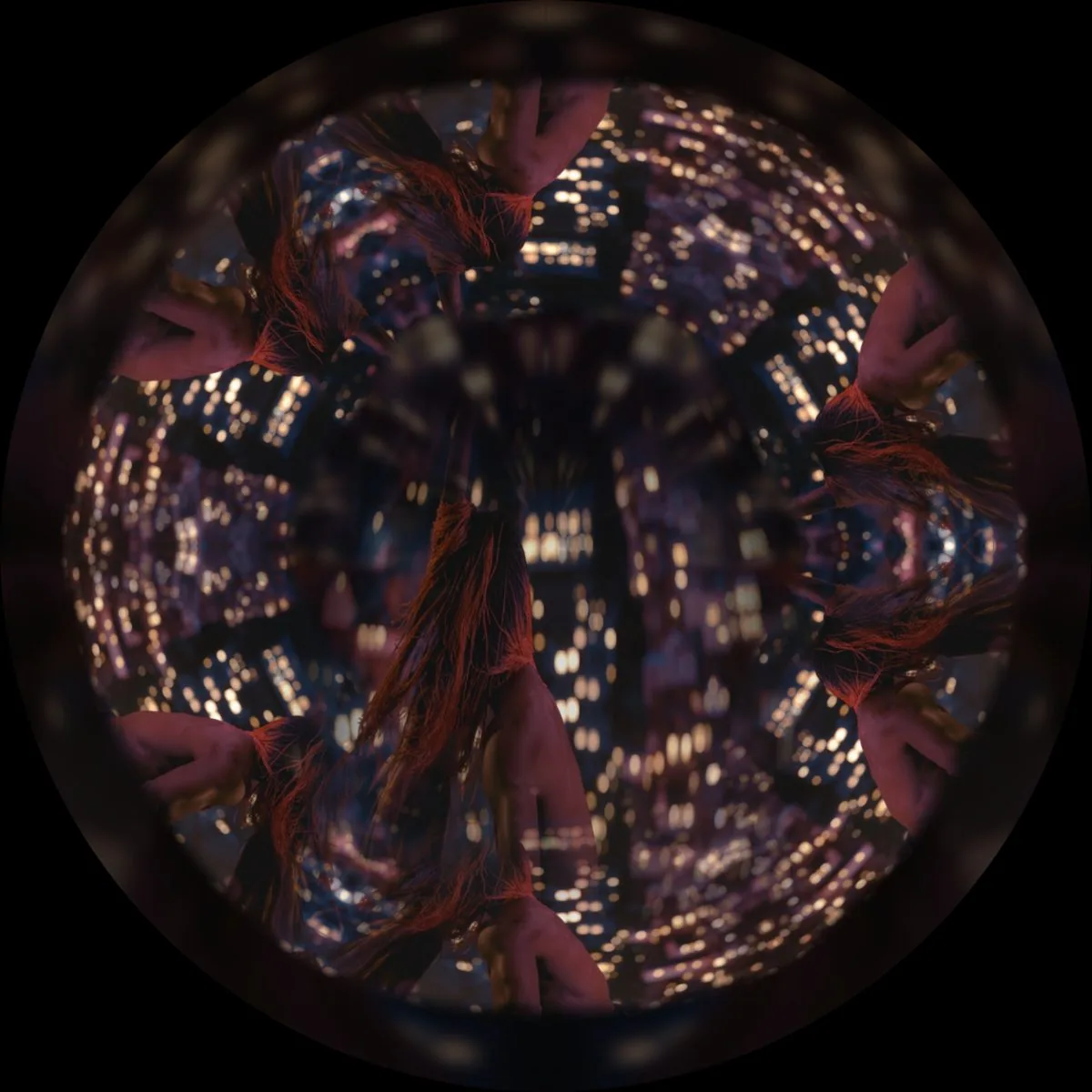
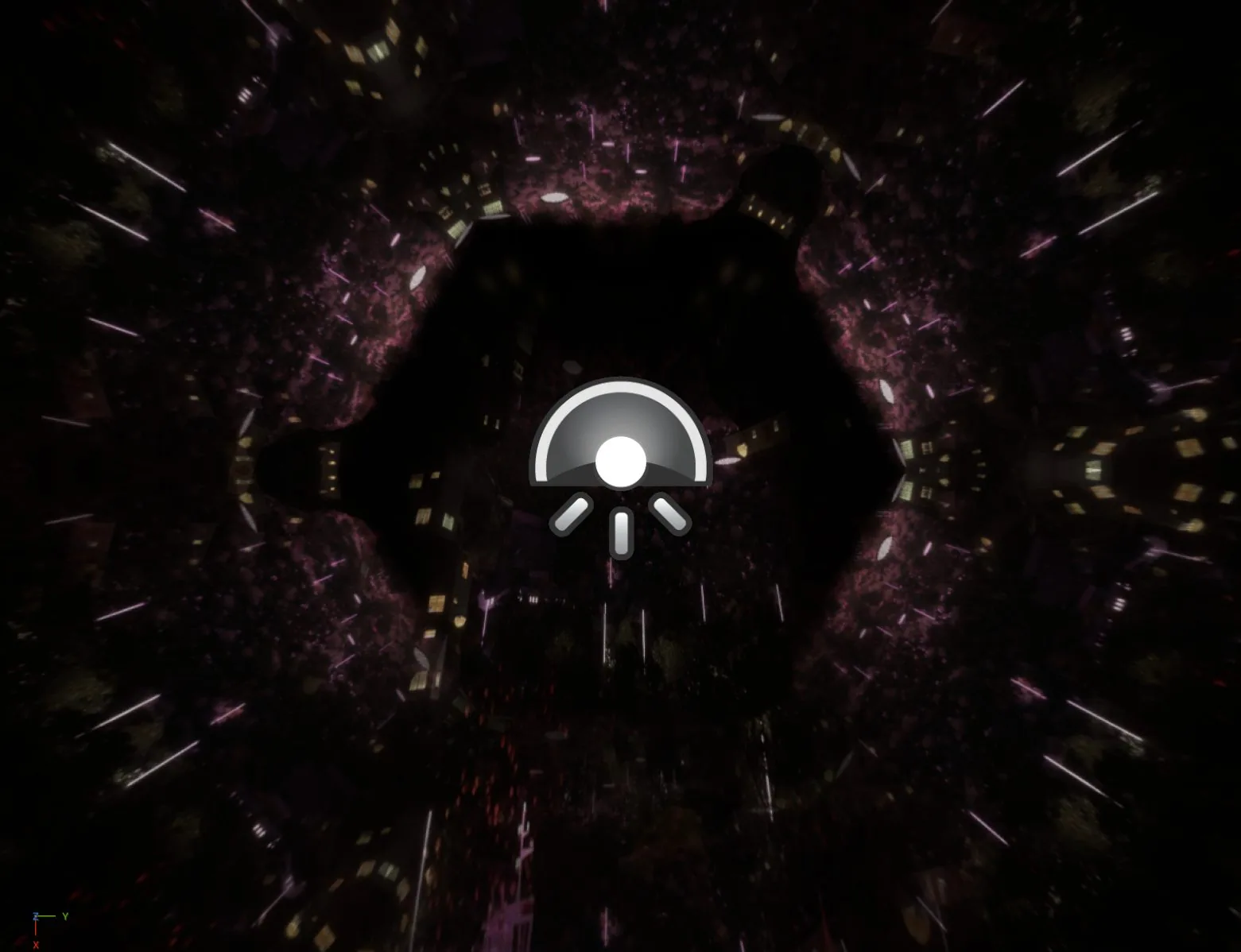
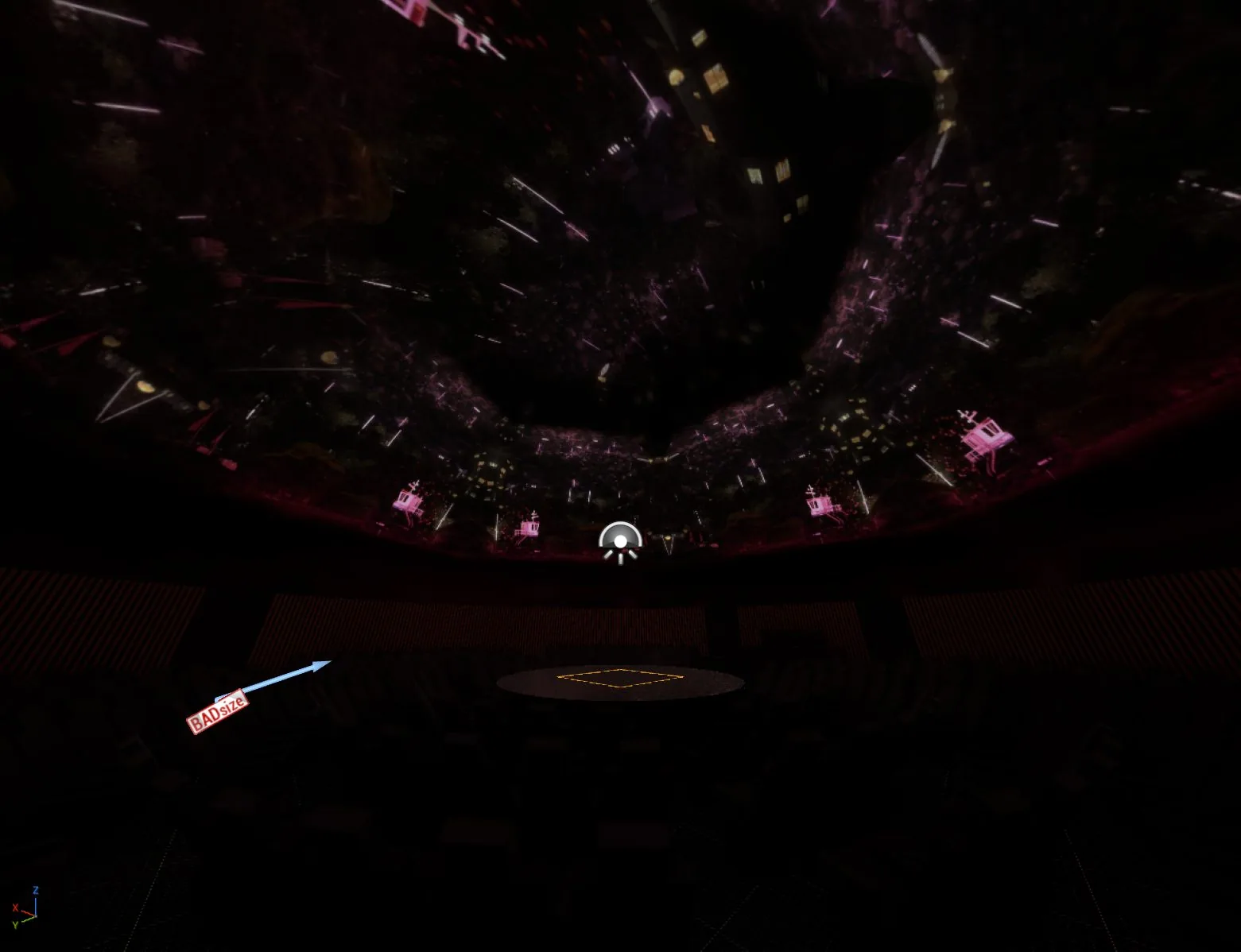
Planet City by Liam Young — dome adaptation in progress by David. Frames from the film, seen in the virtual theater.
- Year
- 2026, ongoing
- Question
- How do you produce for a dome when there's no dome at hand?
- Tools
- TouchDesigner 2025, Unreal Engine 5.8, Blender 4, Spout, C++, OpenXR, Git
- Links
- GitHub repository · Documentation · Dome Master — Planetario de Bogotá
Where it comes from
It grew directly out of my work as Dome Master at the Planetario de Bogotá (2025–2026). Every test on the real dome meant an appointment, a trip and a slot in the theater. Things I wanted to see in five minutes took weeks, and many decisions were made blind.
That’s where this lab comes from: a place to produce and preview dome content without a physical dome at hand. You can test dome video from a seat, in virtual reality (OpenXR) or on a screen, before setting foot in the physical theater. Besides Planet City, the Liam Young film I’m adapting for the dome (the hard case of flat 16:9 video; the frames are his, not mine), it’s useful for calibrating complex works like 3gracias (frame-by-frame painting adapted to the dome) and Dosis de Máquinas.
What’s in the repository
A TouchDesigner 2025 system. It takes 360, 180 (domemaster or VR180) or flat 16:9 video and turns it into the exact signal a dome needs:
- A fisheye domemaster to send to the real dome’s projector (via Spout, NDI or render to disk).
- A 2:1 equirectangular canvas (
TD_Domo_Lab) streamed in real time over Spout to the virtual theater. - Modules for flat video: a crown around the dome, a four-screen room, rings and a cylinder.
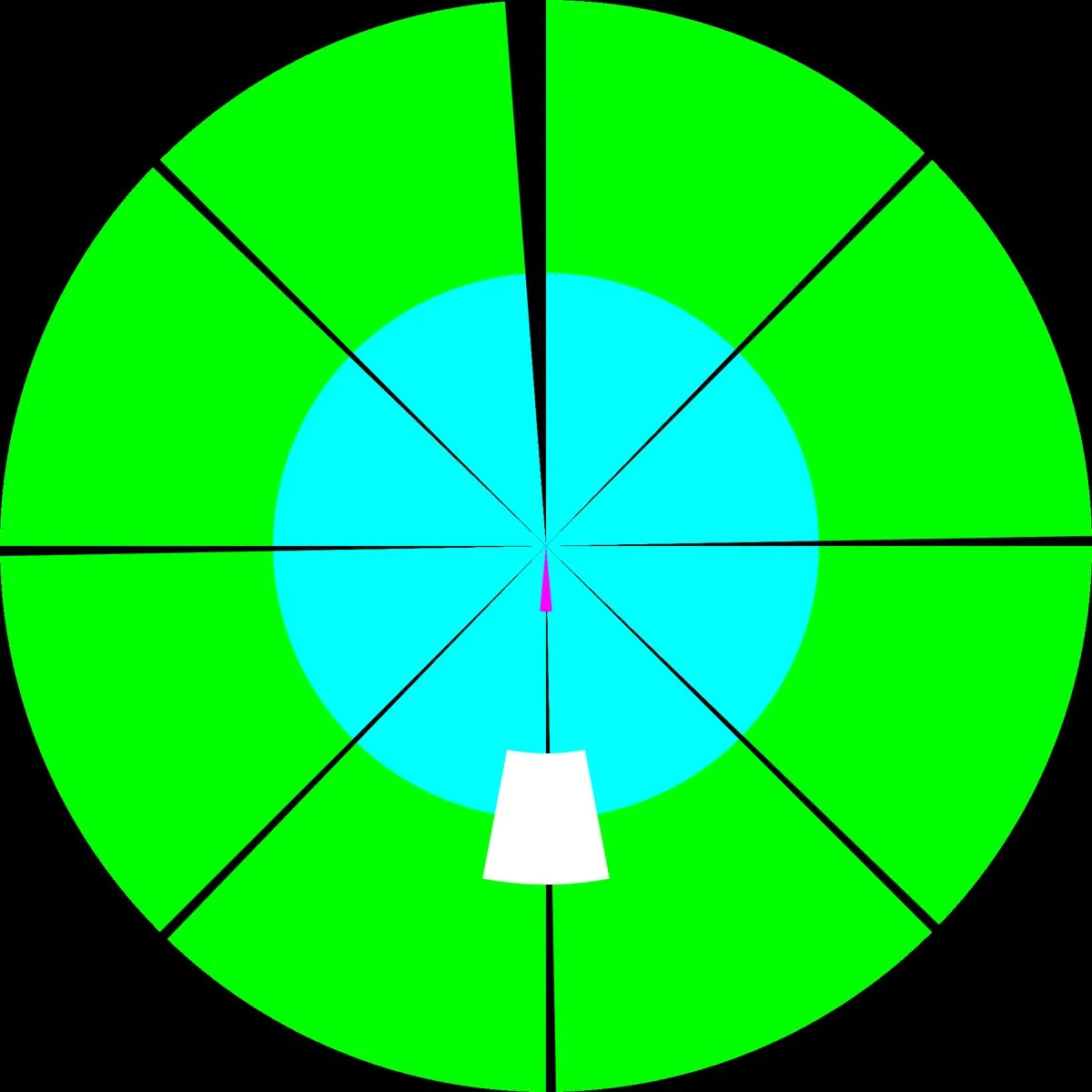
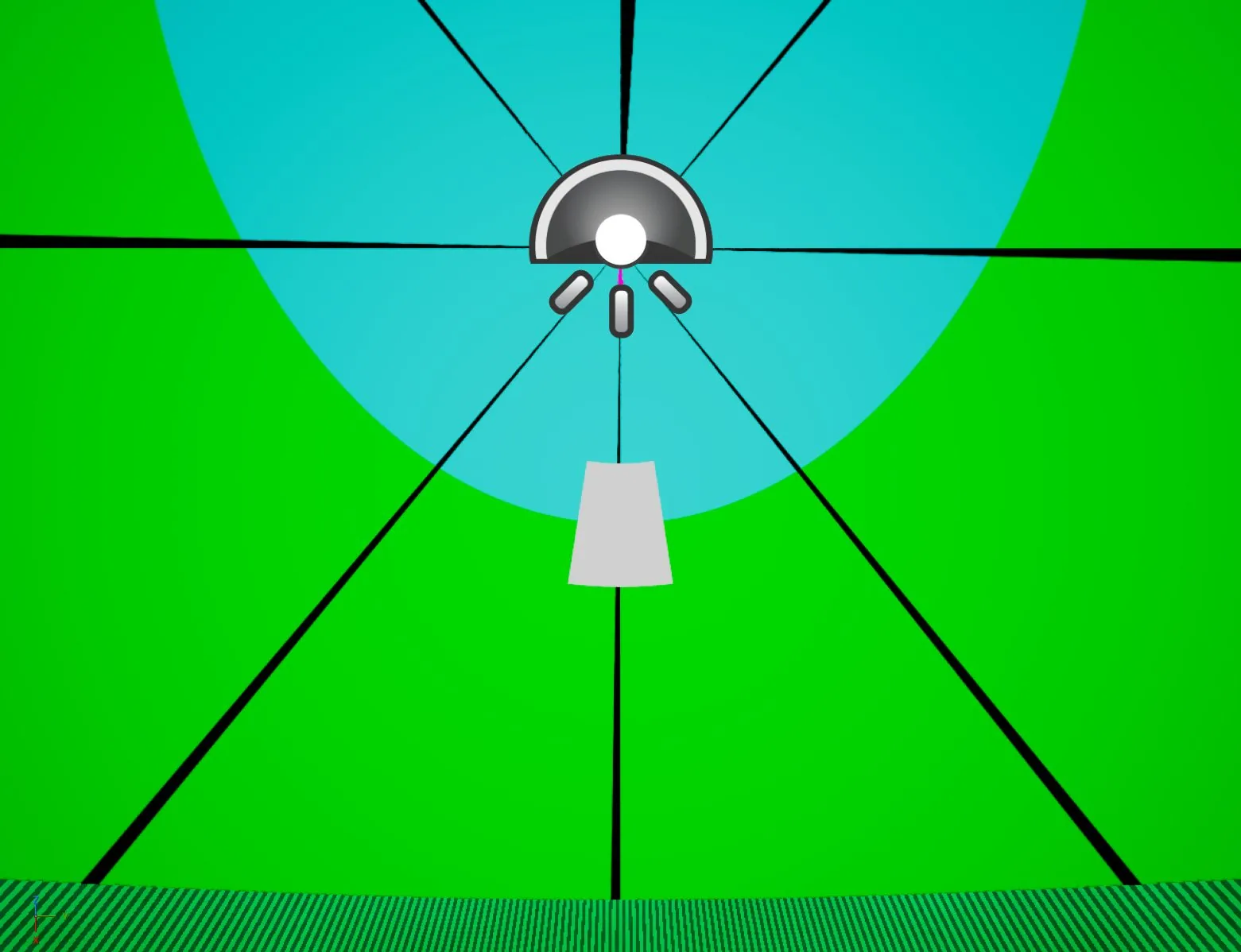
- A calibration module with a test pattern to check orientation, zenith discs, front marks and FOV.
A virtual reality planetarium simulator (Unreal Engine 5.8).
Built with a custom C++ module (ASpoutDomeReceiver) that captures the Spout stream with no latency.
It includes three script-generated theater models:
- Sala 180 (a 23 m horizontal planetarium with 360 seats and a control area, based on the Planetario de Bogotá).
- Sala 45 (a tilted Maloka-style dome, with a seated audience).
- Sala 90 (a vertical dome for a standing audience with railings).
The dome is emissive and works with SkyLight and Lumen global illumination: whatever is projected tints and bounces around the room, changing how the space reads. It works with VR headsets via OpenXR (SteamVR, Virtual Desktop) or on a flat screen.
Spec sheets for Colombia’s domes. Open technical documentation for theaters in Bogotá, Medellín, Maloka, Barranquilla, Cali, Pereira, Pasto and Manizales: diameter, tilt, seating, projection systems and input specifications. They’re updated and corrected through pull requests on GitHub.
How to get involved
The repository is open source (MIT / CC BY 4.0). You can clone the system, try it with your own material, test sequences in the virtual theater or contribute to the domes’ spec sheets.
Log
September 17, 2026. First release of the repository. The TouchDesigner system outputs all three formats over Spout, the Unreal Engine theater has the dome, the seats and the control area, and the test pattern has already gone through the whole chain. The spec sheets for the eight domes are written with what I could confirm; what’s missing is marked.
Gallery